ESCAI video library
Learn ESCAI step by step
Every video is narrated in Egyptian Arabic and grouped into tracks. New to ESCAI? Begin with “Start here”.
45 videos70 minutes of guides
Videos are narrated in Egyptian Arabic.
Start here
From the first launch to your first patient. Watch them in order.
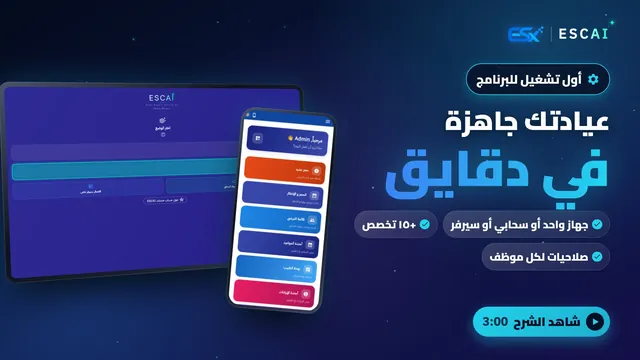 3:00Step 1
First launch & setupLanguage, how to run it (single device, cloud or your own server), speciality, users, clinics and branches. Your clinic is ready in minutes.
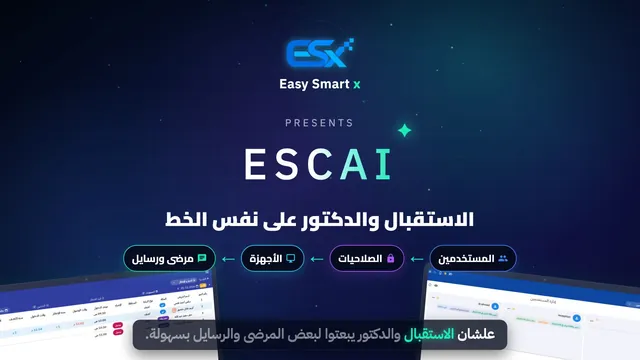 3:19Step 2
Reception and doctor in syncUsers and permissions, per-device settings, sending a patient to the doctor, doctor requests, refunds, reception alerts and internal chat.
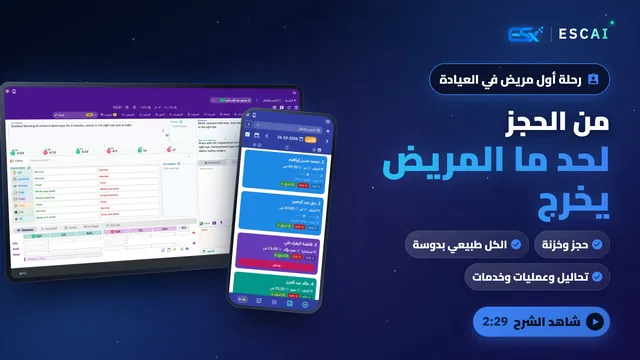 2:29Step 3
Your first patient, end to endBooking a new patient, the waiting list, sending to the doctor, the exam with “All normal”, labs, surgery booking and services.
 4:54Step 4
Your own clinic server, from scratchKeep your data in the clinic: install the clinic server on Windows, macOS or Linux and connect every device over the local network.
Exam & medical record
AI, prescriptions, patient history and follow-ups.
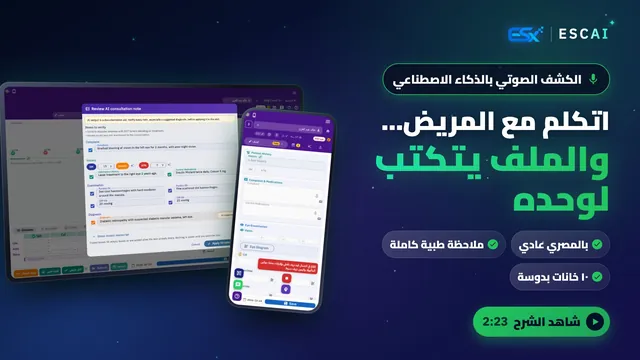 2:23
AI voice consultationTalk with the patient in everyday Arabic and the AI writes a full clinical note: complaint, history, medications, exam and a suggested diagnosis. Review it, then apply in one tap.
 4:14
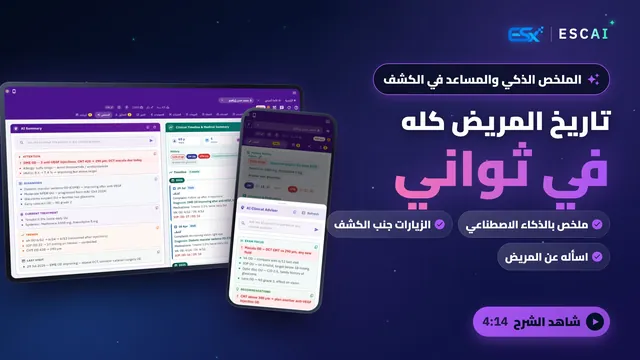
Patient history & the AI assistantAn AI summary of every visit, test and surgery with what matters in red, an offline clinical timeline, and an in-exam assistant you can ask about the patient.
 3:26
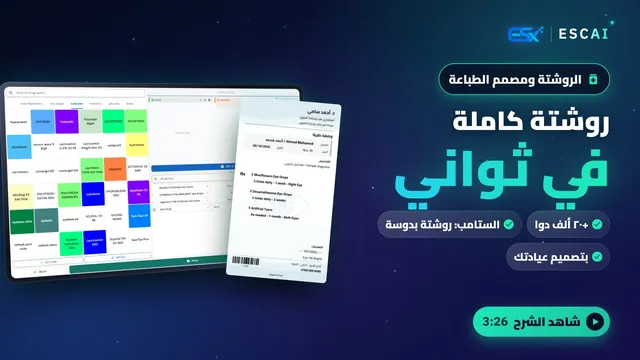
Prescriptions & the print designerA colour-coded quick drug list, 20,000+ drugs, stamps that load a whole prescription in one tap, and a designer that prints in your clinic’s style.
 2:22
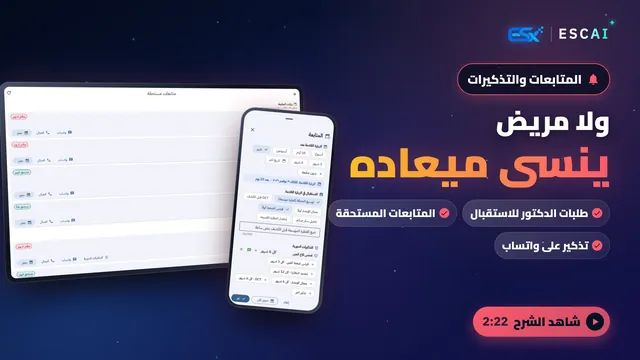
Follow-ups & remindersNext visit in one tap, doctor requests to reception, a due follow-ups screen, recurring recalls and WhatsApp reminders for patients who agreed.
Specialities
Tools built for eye clinics and obstetrics.
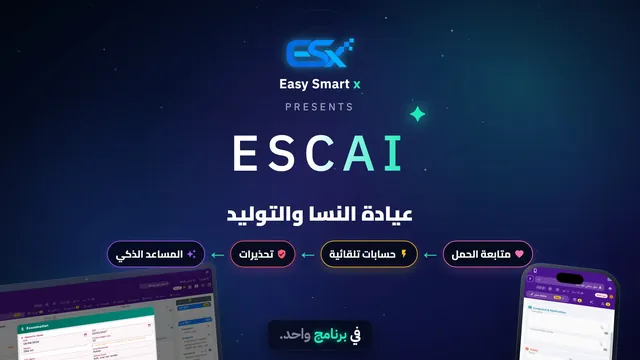
WhatsApp & ESCAI Services
A clinic WhatsApp that replies, books and reminds.
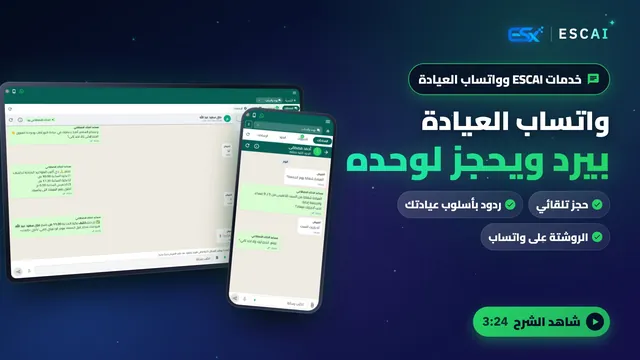 3:24
ESCAI Services & clinic WhatsAppAutomatic booking from free slots, replies in your clinic’s voice, medical questions routed to your team with a suggested reply, reminders, and prescriptions sent in one tap.
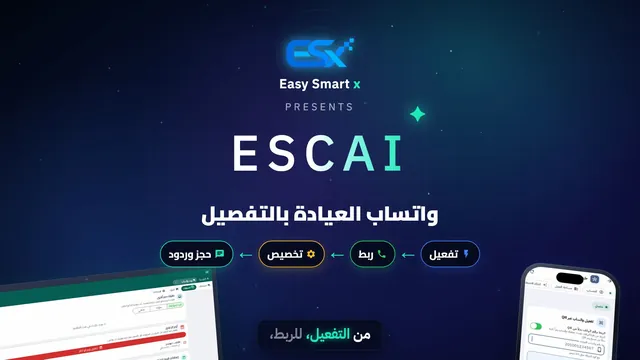 5:01
Clinic WhatsApp in detailActivation, linking by QR or phone-number code, every bot, booking, schedule and payment setting, and the chats. Step by step.
Device connections
Connect eye devices so readings land in the exam.
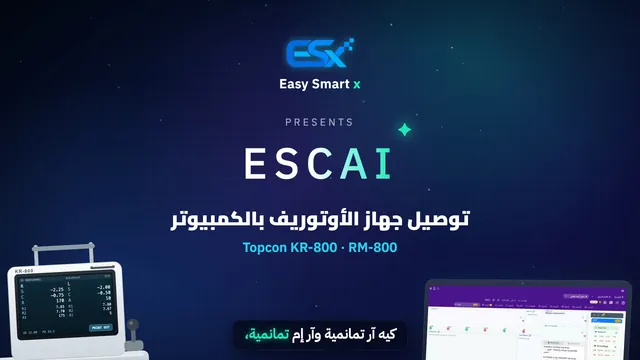 3:58
Connecting a Topcon autorefractorConnect a Topcon KR-800 / RM-800 over the clinic network step by step, so readings land in the exam automatically.
 4:18
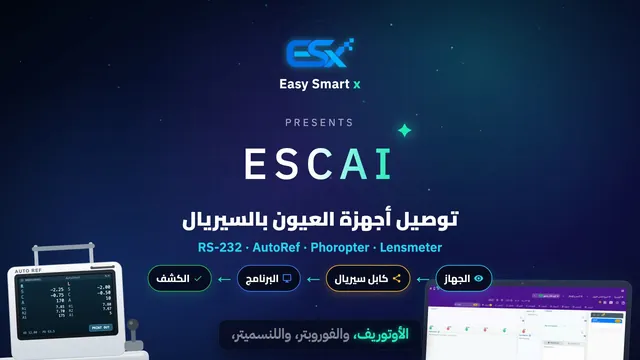
Serial eye devicesAutorefractors, phoropters and lensmeters over an RS-232 cable — NIDEK, Tomey, Huvitz and more. Device not listed? Capture its output and send it to us.
Tips & tricks
A 5-episode series that makes you faster on every screen.
 1:42
A faster examAll normal, copying from the last visit, smart suggestions, one-tap reading transfer and a ready follow-up booking.
 1:47
Faster receptionOne button moves the patient on, keyboard shortcuts, right-click actions, reception alerts, due follow-ups, filters and totals.
 1:23
The patient fileIn-app help, tabs, the account in one tap, file labels, the timeline summary and recurring recalls.
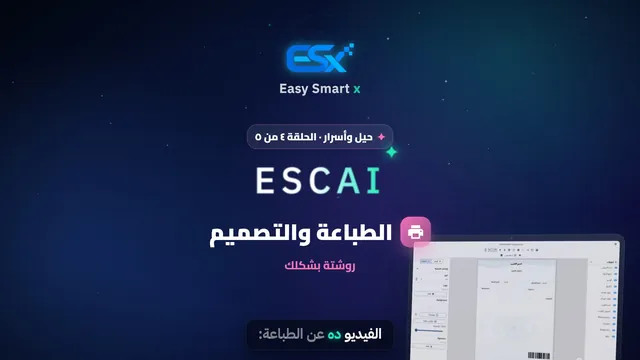 1:33
Printing & designPer-document settings, the template designer, handwriting fonts, paper size, adding elements, ready backgrounds and moving your design to another device.
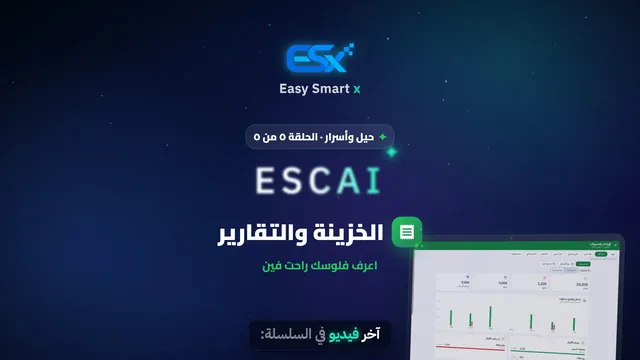 1:29
Cash box & reportsCash accounts, statements, search and details, closing the cash box, and reports with the detail behind every number.
Under a minute
Short videos, one feature each.
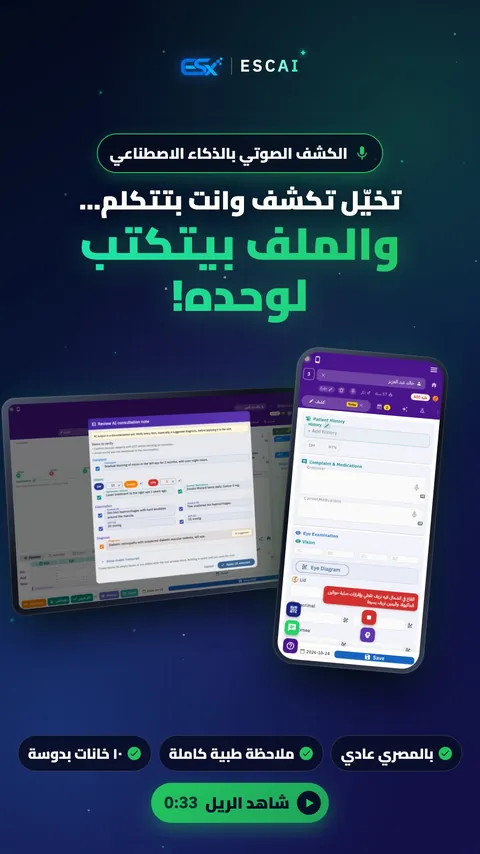 0:33
Talk, and the file writes itself
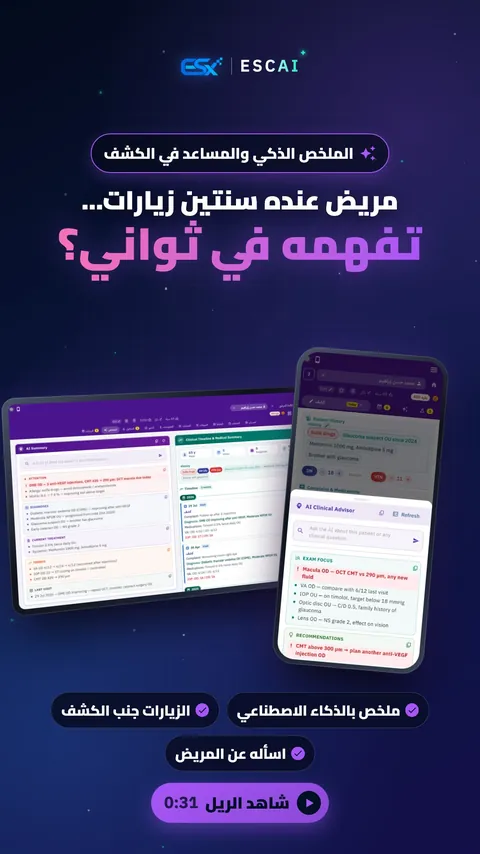 0:31
Two years of visits, understood in seconds
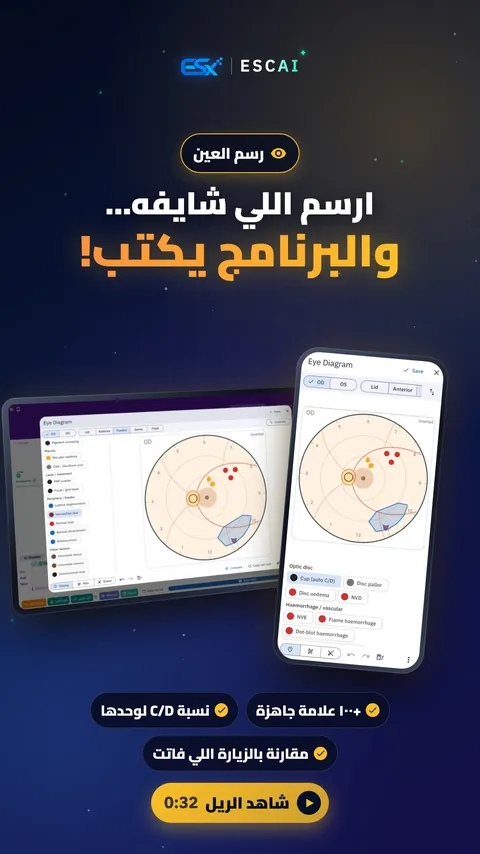 0:32
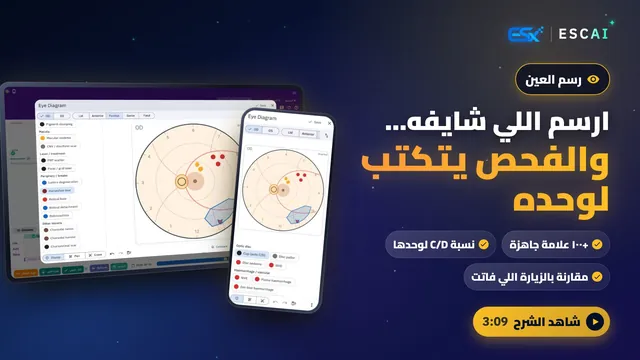
Draw what you see. ESCAI writes the exam
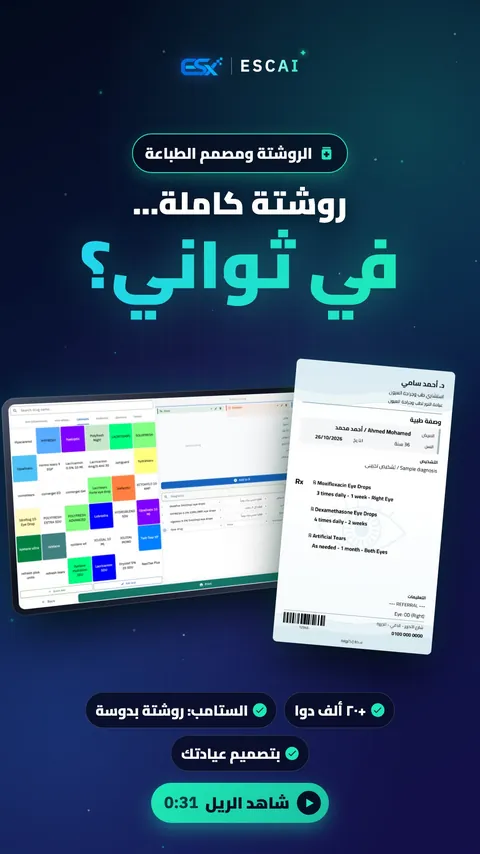 0:31
A full prescription in seconds
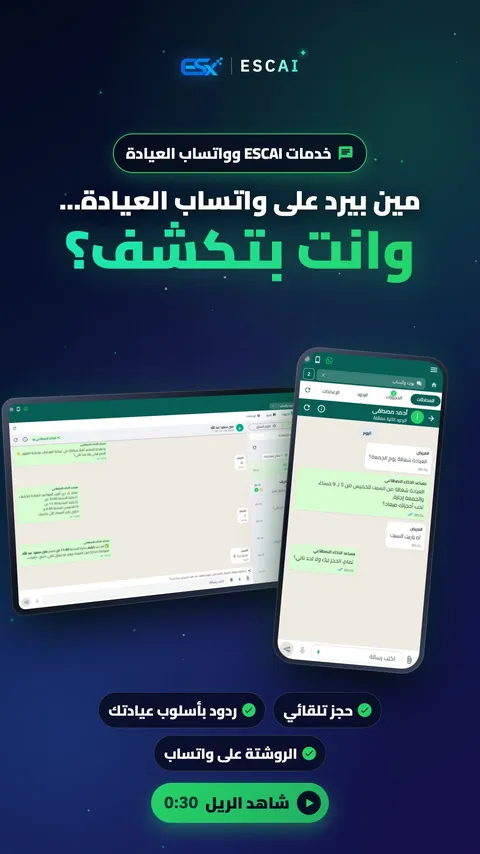 0:30
Who answers WhatsApp while you examine?
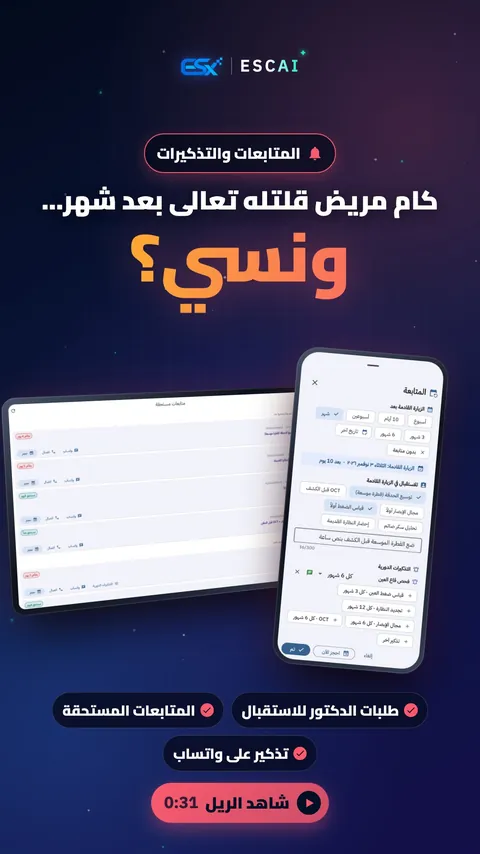 0:31
No more forgotten follow-ups
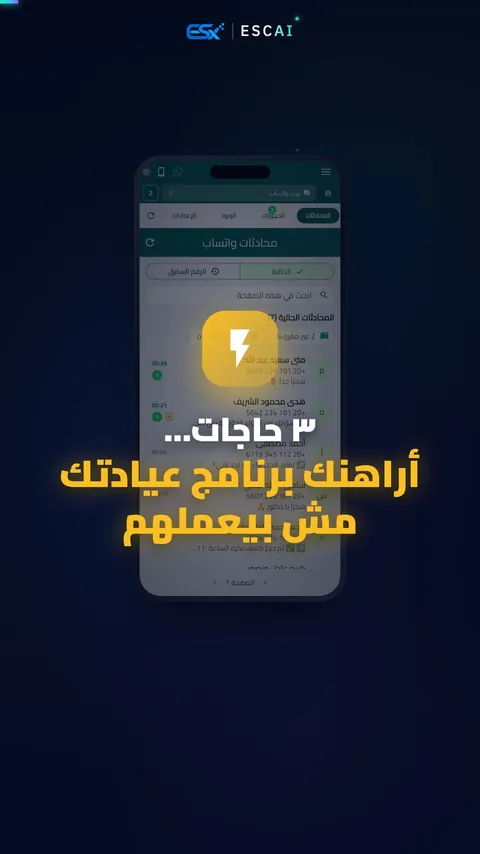 0:29
3 things your clinic software doesn’t do
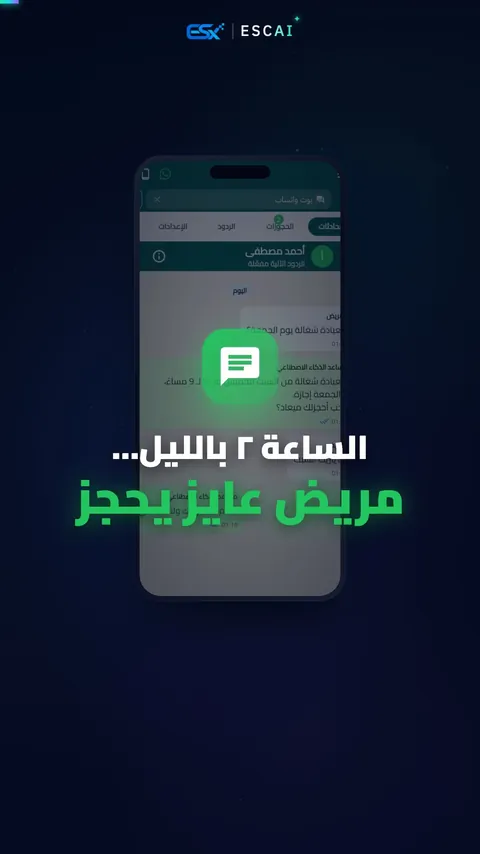 0:28
2 a.m. and a patient wants to book
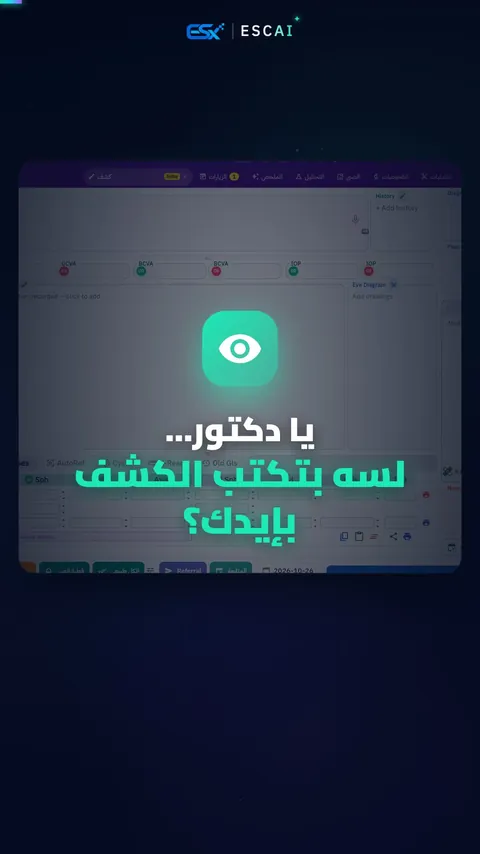 0:25
Still writing the exam by hand?
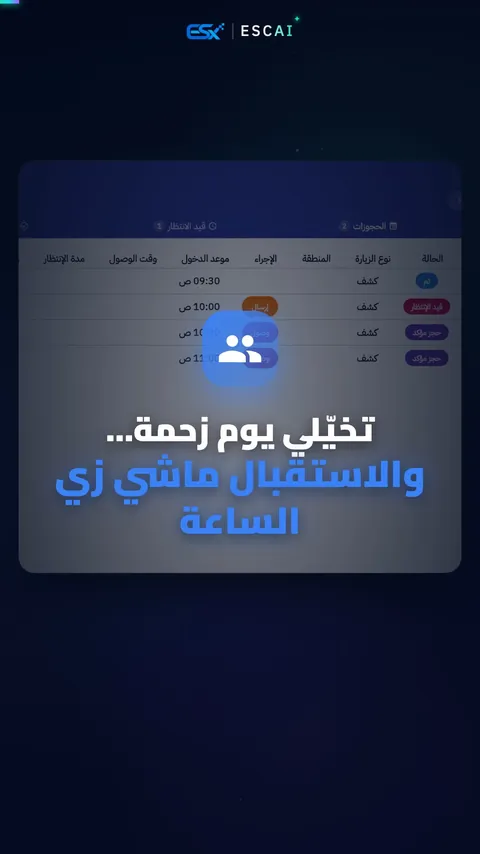 0:27
A busy day, and reception runs like clockwork
 0:26
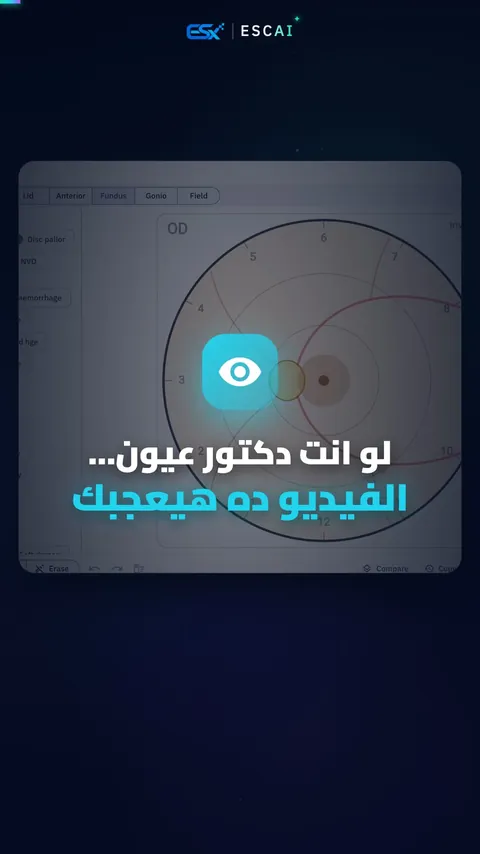
Eye doctors: you’ll like this one
 0:26
Connect the device, the reading drops in
 0:26
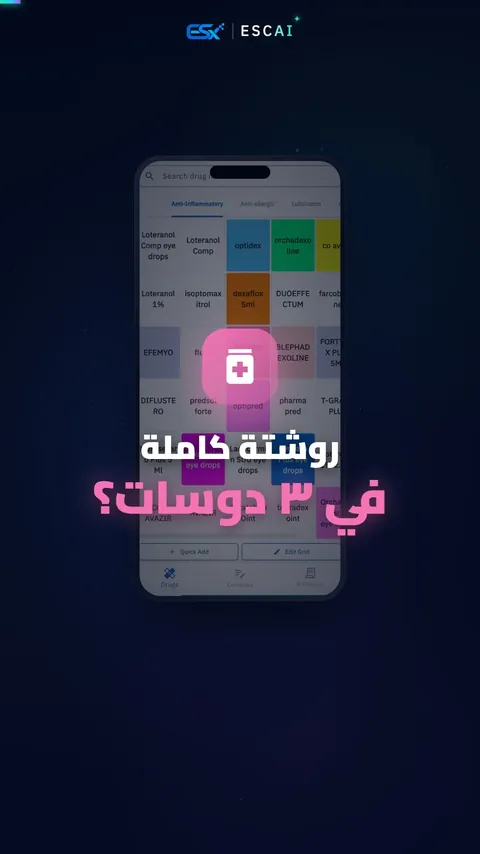
A full prescription in 3 taps
 0:27
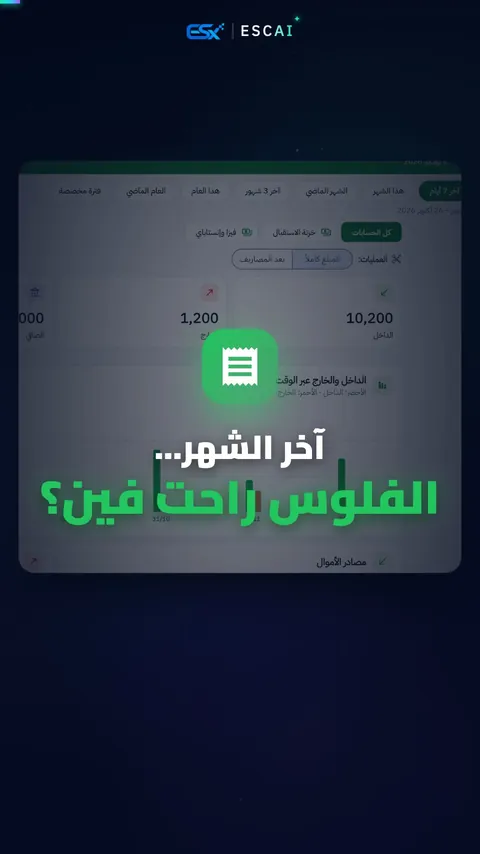
End of month: where did the money go?
 0:27
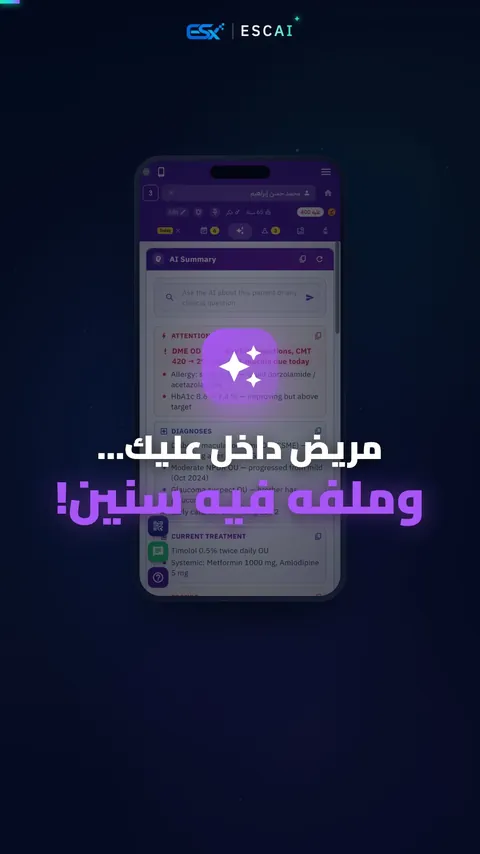
Years of records, summarized in a second
 0:24
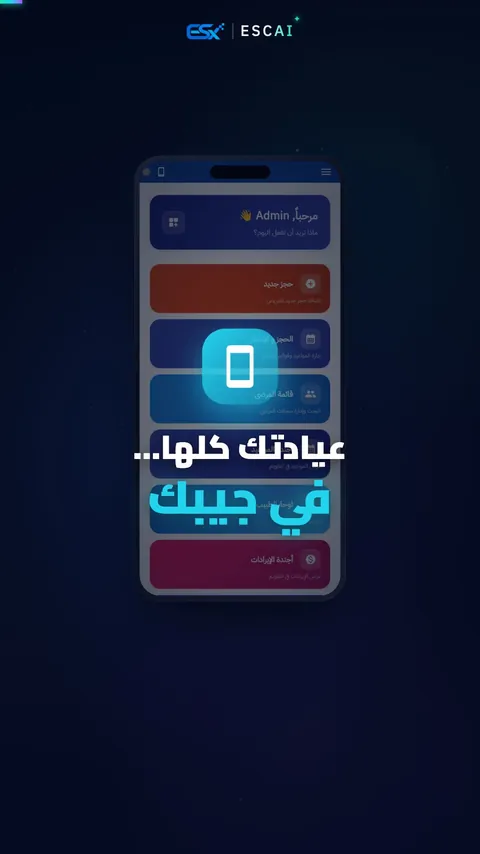
Your whole clinic in your pocket
“Dr. Karim & the System” series
A doctor afraid of software tries it “for one day only”. 10 animated episodes.
 0:31
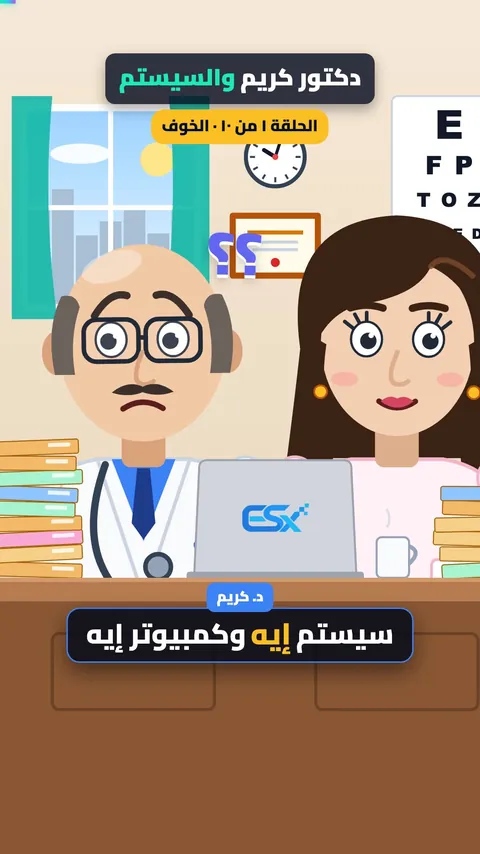
Ep. 1: The fearDr. Karim is afraid of the system. Just like you?
 0:29
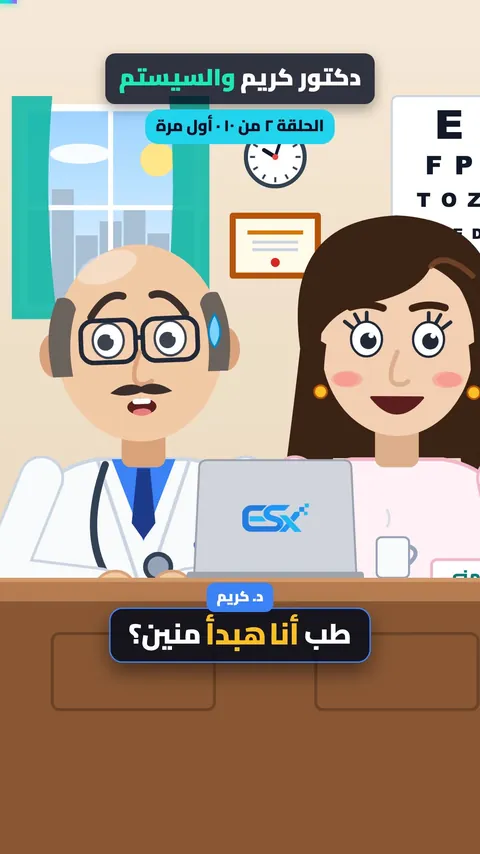
Ep. 2: First openOpening it for the first time. It speaks Arabic!
 0:26
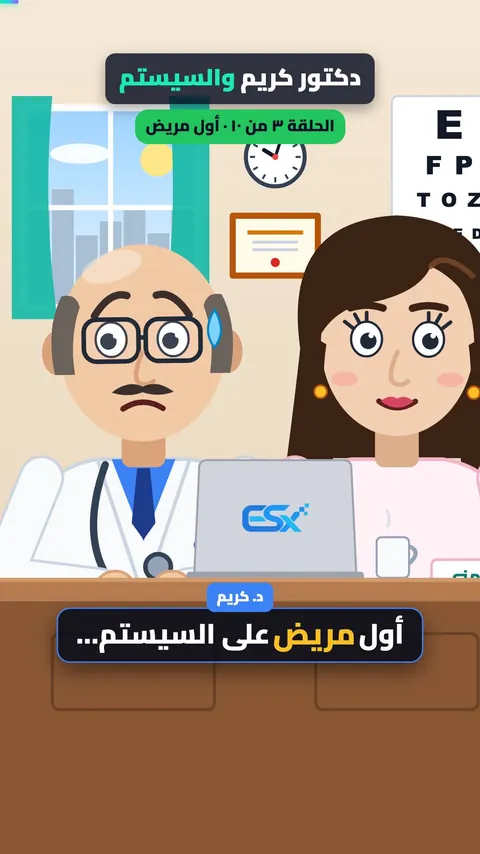
Ep. 3: First patientThe first patient on the system. The exam filled in a second.
 0:27
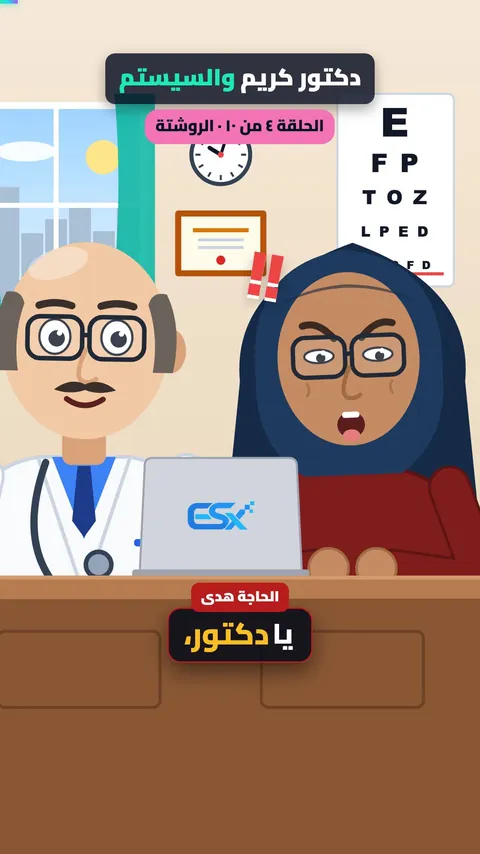
Ep. 4: The prescriptionThe prescription no pharmacy could read.
 0:29
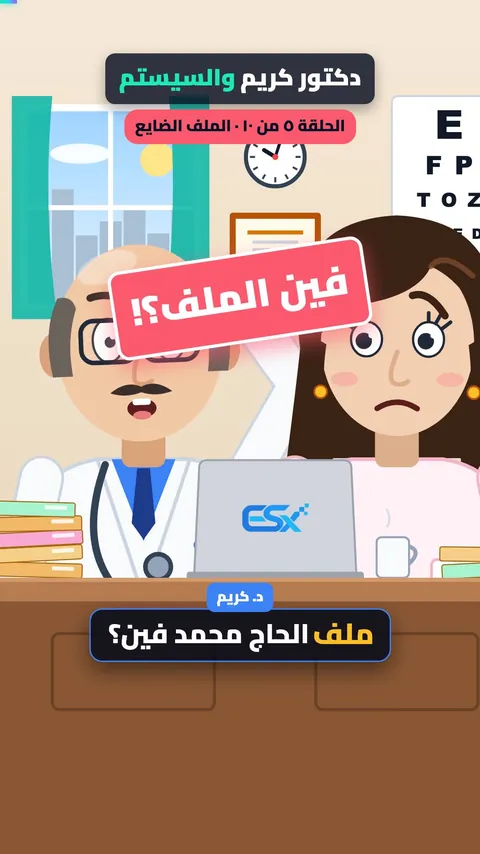
Ep. 5: The lost fileThe file is lost and the patient is waiting!
 0:29
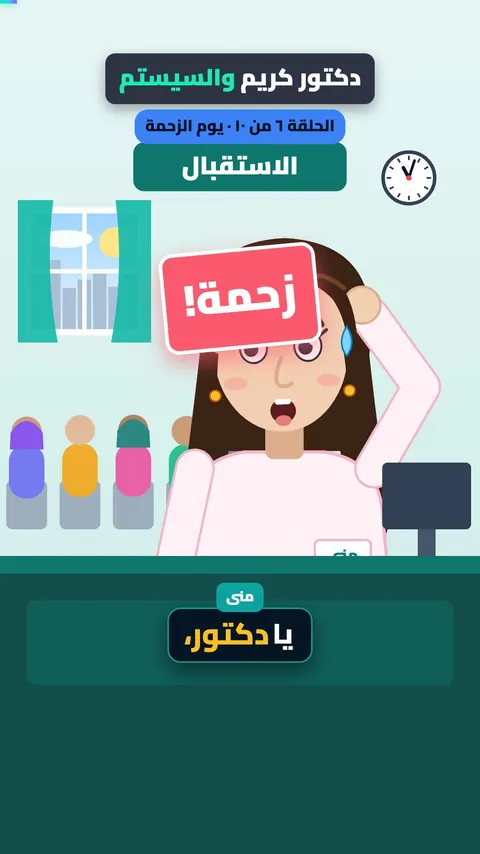
Ep. 6: The busy dayWho’s in, and who’s waiting?
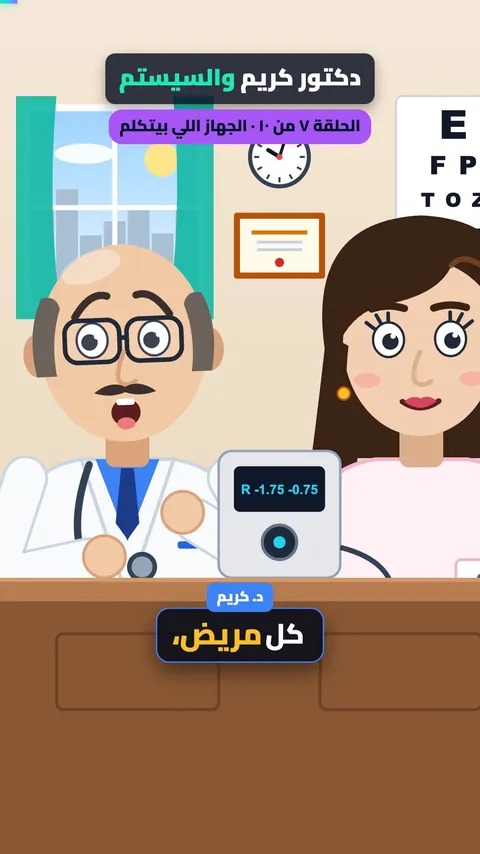 0:28
Ep. 7: The devicesThe device older than the doctor now talks to the computer.
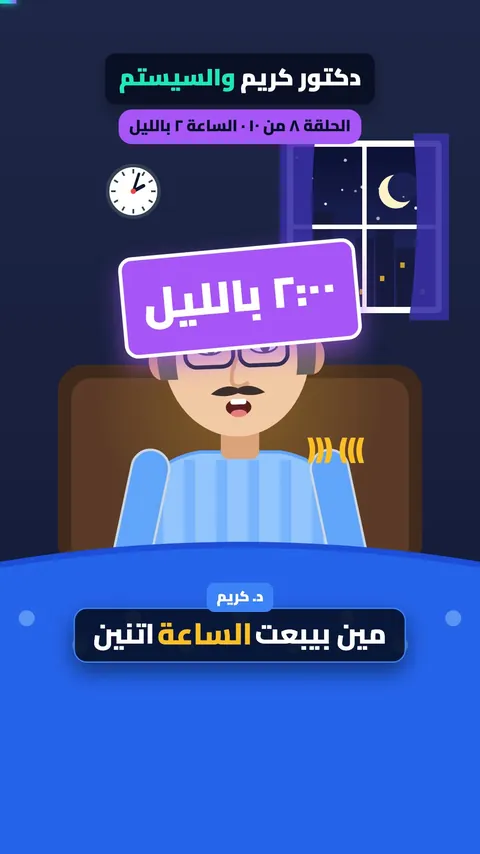 0:29
Ep. 8: 2 a.m.Who answers the patients?
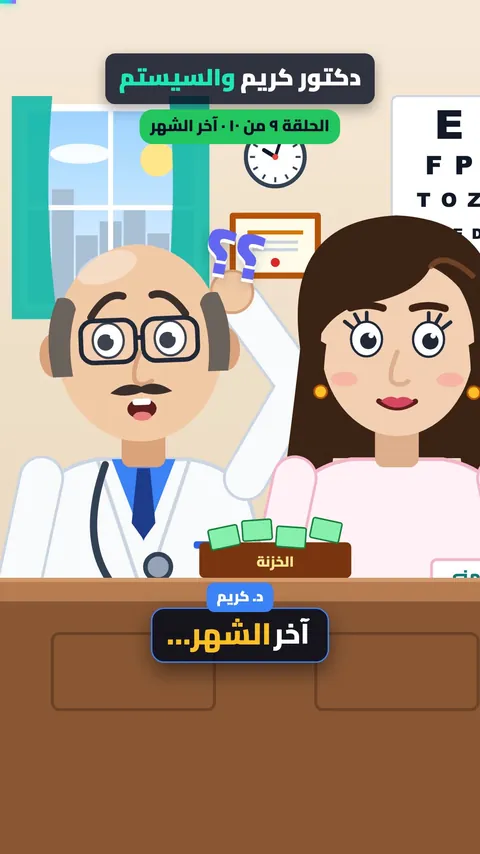 0:30
Ep. 9: The moneyEnd of month. Where did the money go?
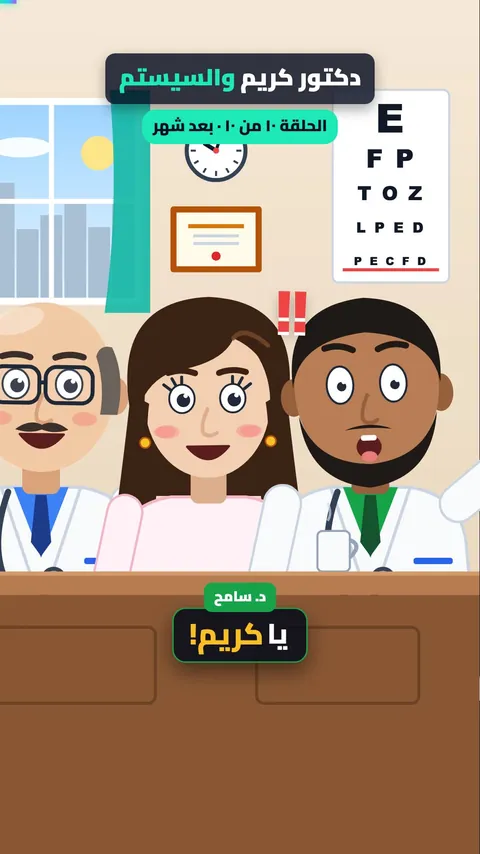 0:29
Ep. 10: One month laterNow Karim is the one convincing his colleagues.
No video matches that.

Ready to take your clinic further?
Download ESCAI today. Need a hand? We are on WhatsApp.